DTF Inks for Converted Epson EcoTank ET-8550 Printers
DTF inks for the Epson ET-8550 are formulated for printers that have been properly converted for direct-to-film printing. Unlike the original Epson inks, DTF inks use specialized pigments and binders that allow designs to transfer from PET film onto apparel. Before ordering, confirm that your ET-8550 has been converted and configured for DTF printing because Epson originally manufactures this model as a six-color photo printer.
Epson ET-8550 DTF Ink for Vibrant Apparel Transfers
Quality Epson ET-8550 DTF ink helps produce bright colors, smooth gradients, sharp details, and solid white coverage on transfer film. The white underbase is especially important when creating designs for black, colored, or other dark garments. When combined with compatible DTF film, adhesive powder, RIP software, and proper heat-press settings, these inks can create flexible transfers for shirts, hoodies, bags, and other fabric products.
CMYK and White DTF Ink for Epson ET-8550 Printers
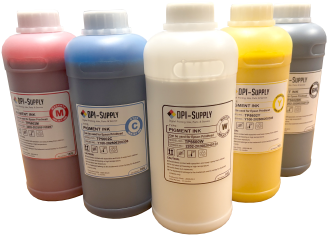
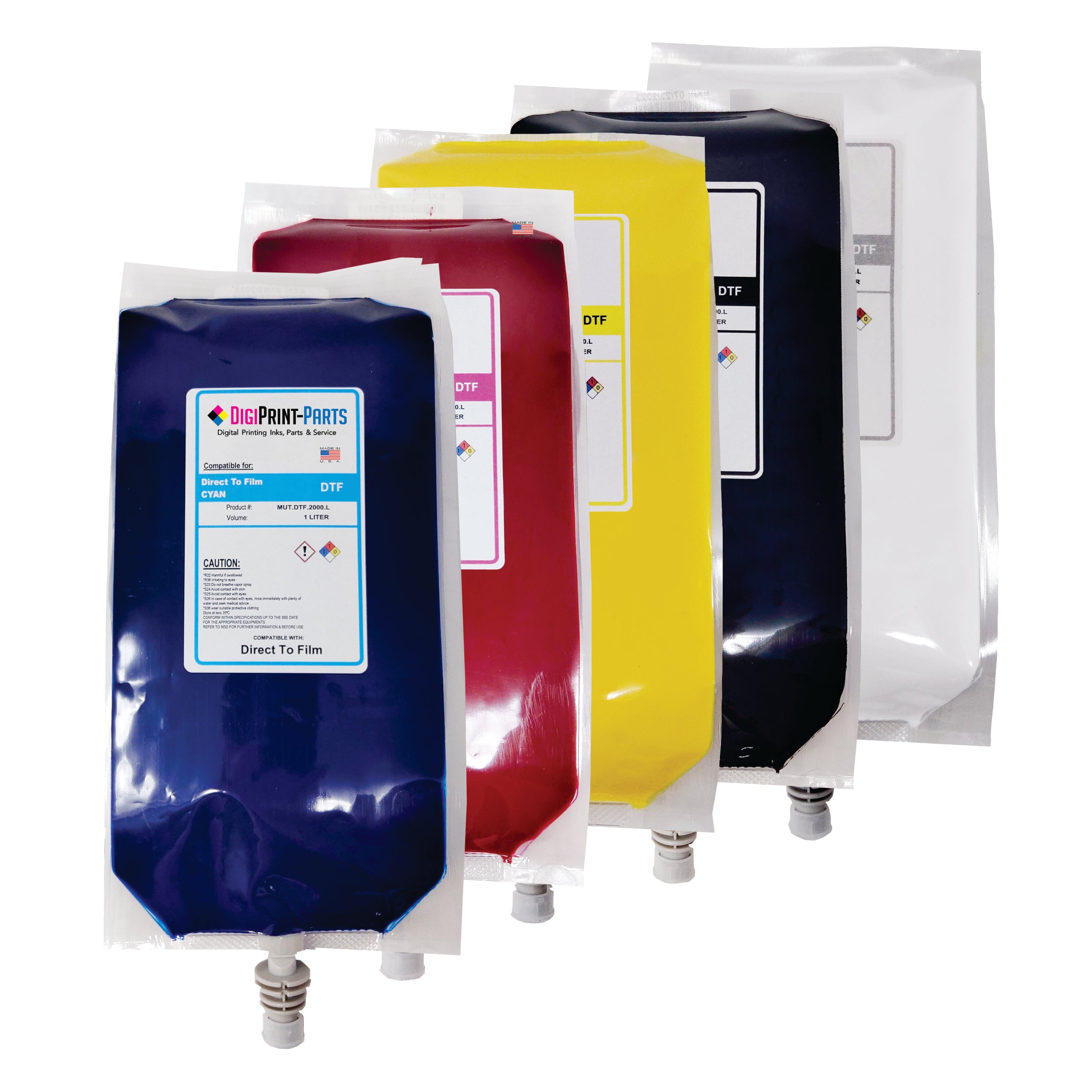
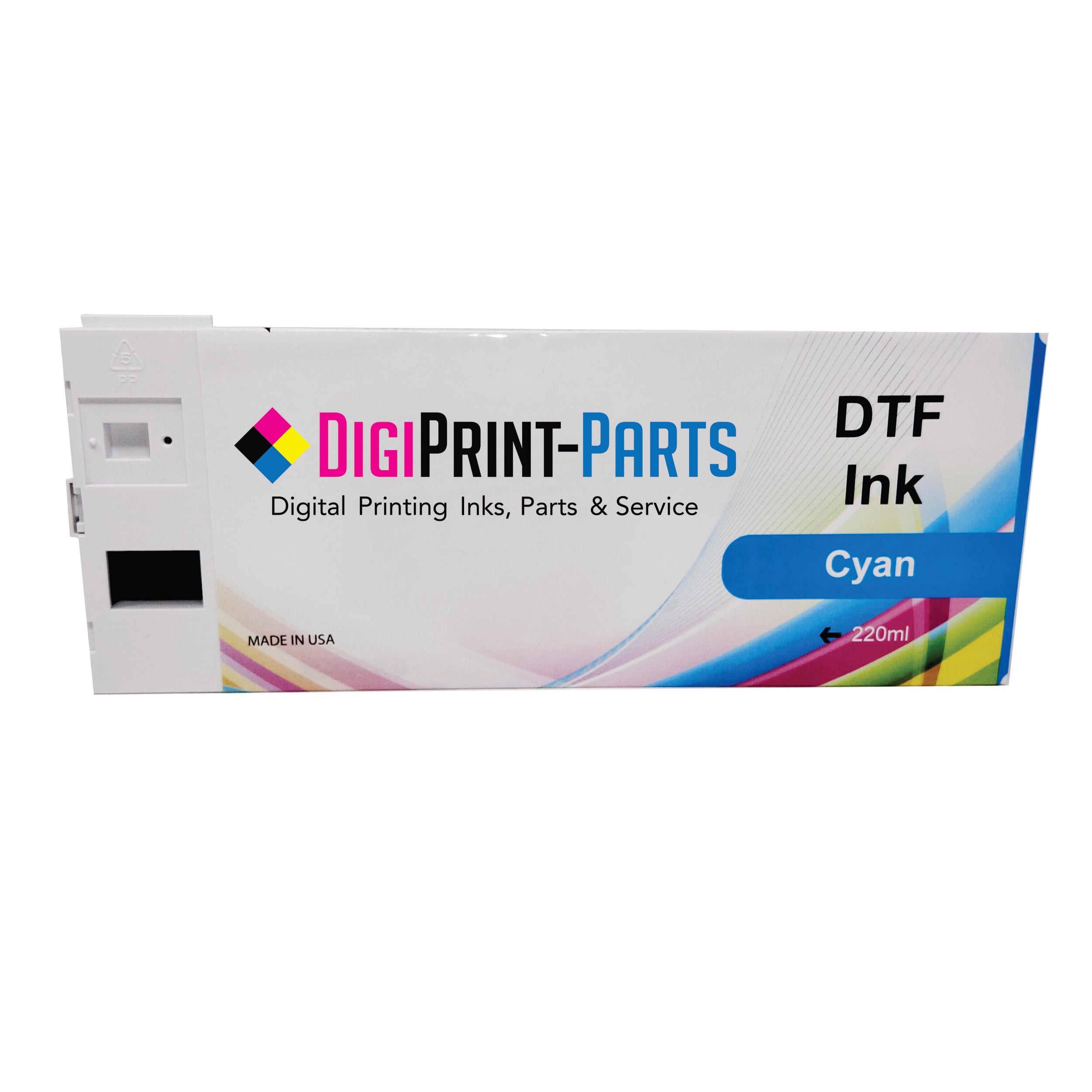
A complete Epson ET-8550 DTF ink setup typically includes cyan, magenta, yellow, black, and white ink. The CMYK inks create the colors within the design, while the white ink provides an opaque foundation that helps those colors remain visible on darker fabrics. Always verify the ink configuration used by your converted printer before filling the tanks or replacing an existing ink set.
Replacement DTF Ink for Epson ET-8550 Printing Systems
Replacement DTF ink should be selected based on printer compatibility, printhead requirements, and the ink already being used in your system. Mixing different DTF ink brands or combining DTF ink with the printer’s original photo ink can cause inconsistent color, chemical reactions, or clogged nozzles. When changing formulas, the existing ink may need to be completely removed and the system properly flushed before the new DTF ink is installed.
White DTF Ink for Epson ET-8550 Dark Garment Transfers
White DTF ink allows an Epson ET-8550 conversion to produce transfers for dark and brightly colored garments. Because white ink contains heavier pigment particles, it can settle more quickly than CMYK ink and requires more frequent maintenance. Regular agitation, nozzle checks, and consistent printer use can help reduce settling, banding, and clogged printhead nozzles.
DTF ink should not simply be added to a standard, unmodified Epson ET-8550. The printer must first be properly converted for DTF printing, which may involve changing its ink configuration, flushing the original ink, installing compatible components, and using RIP software. Converting the printer or using non-Epson ink may also affect its warranty and long-term reliability.
Most converted Epson ET-8550 DTF systems use cyan, magenta, yellow, black, and white inks. The precise tank and channel configuration can vary depending on how the printer was converted. Check the instructions supplied with your conversion system before filling any tank.
White DTF ink contains dense pigment that naturally settles when the printer is not being used. If the ink remains stagnant, it can contribute to poor white coverage, missing nozzles, banding, or printhead clogs. Keeping the white ink properly agitated and following a consistent maintenance routine can help maintain reliable ink flow.